Introducing the New Automatic Wallet Connect Feature
The Crypto App has added a new feature, Automatic Wallet Connect. This feature allows users to track their crypto wallets, on-chain holdings, and activity across multiple wallets and blockchains.
Perfect for Tracking Airdrops
Using real-time on-chain data, the Crypto App automatically tracks your public wallet addresses to monitor your wallets’ contents and transactions. This new feature is perfect for tracking the latest airdrops from hot new projects like BLAST, Eigen Layer, or ZKSync! Connect your wallet to the app, and all tokens associated with that wallet will display instantly, ensuring you will never miss out on any new tokens or airdrops.
Case Study: ZKSync $ZKS Airdrop
Some airdrops require active engagement or ‘farming’ to earn free tokens from new projects looking to build their community. The recent $ZKS airdrop from ZKSync is one such example that has received a lot of hype lately. Projects often send free token airdrops to wallets based on their activity level on the chain or participation with other related projects.
Immediate Airdrop Notifications
The Crypto App automatically connects to your wallet, displaying airdrops and other tokens as soon they are received. Seeing new tokens in your wallet can give you a competitive advantage and ensure that you can make fast decisions in volatile markets.
Simplify Your Crypto Portfolio Management
Managing your crypto assets and portfolio can be challenging without automatic wallet tracking. Even if your data entry skills are perfect, you might have received an airdrop of tokens in your wallet and not even know about it.
How can you ensure your portfolio tracker shows the correct information? The Crypto App’s Automatic Wallet Connect feature makes it easy.
*Automatic Wallet Connect is currently available on Android, and support for iOS coming soon.*
Here’s how it works:
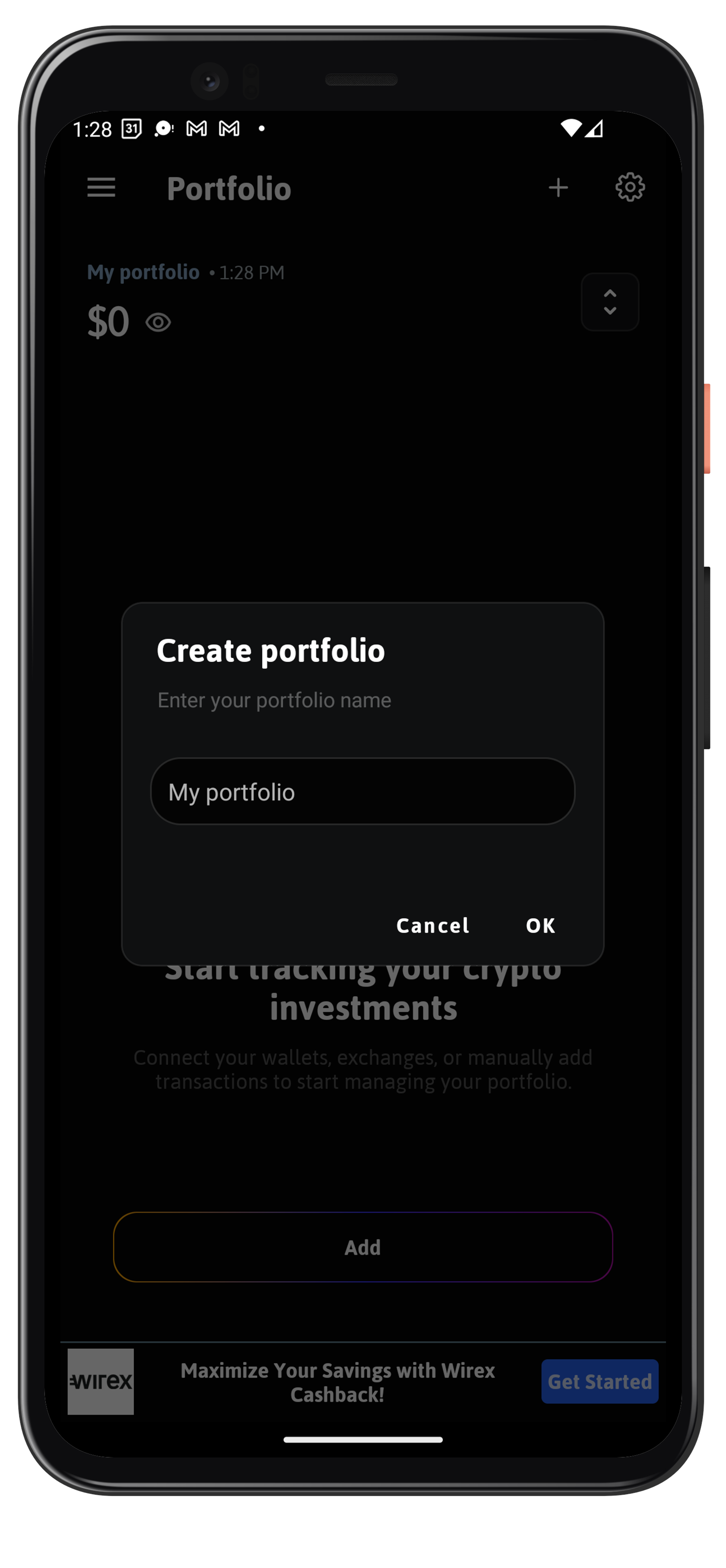
- Create a new portfolio or add to an existing portfolio by tapping “+” in the top right corner
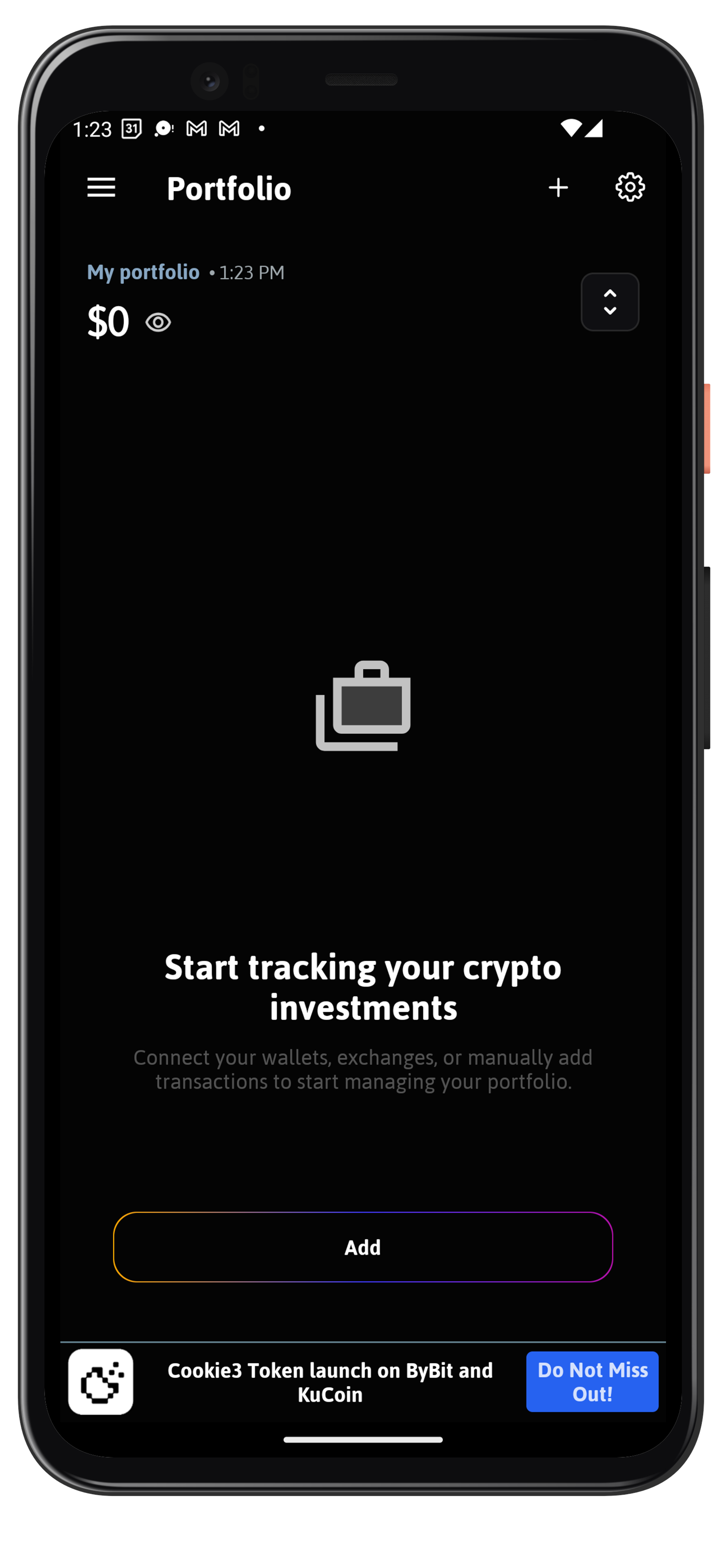
- Tap ‘add’ at the bottom
- Tap ‘connect wallet’
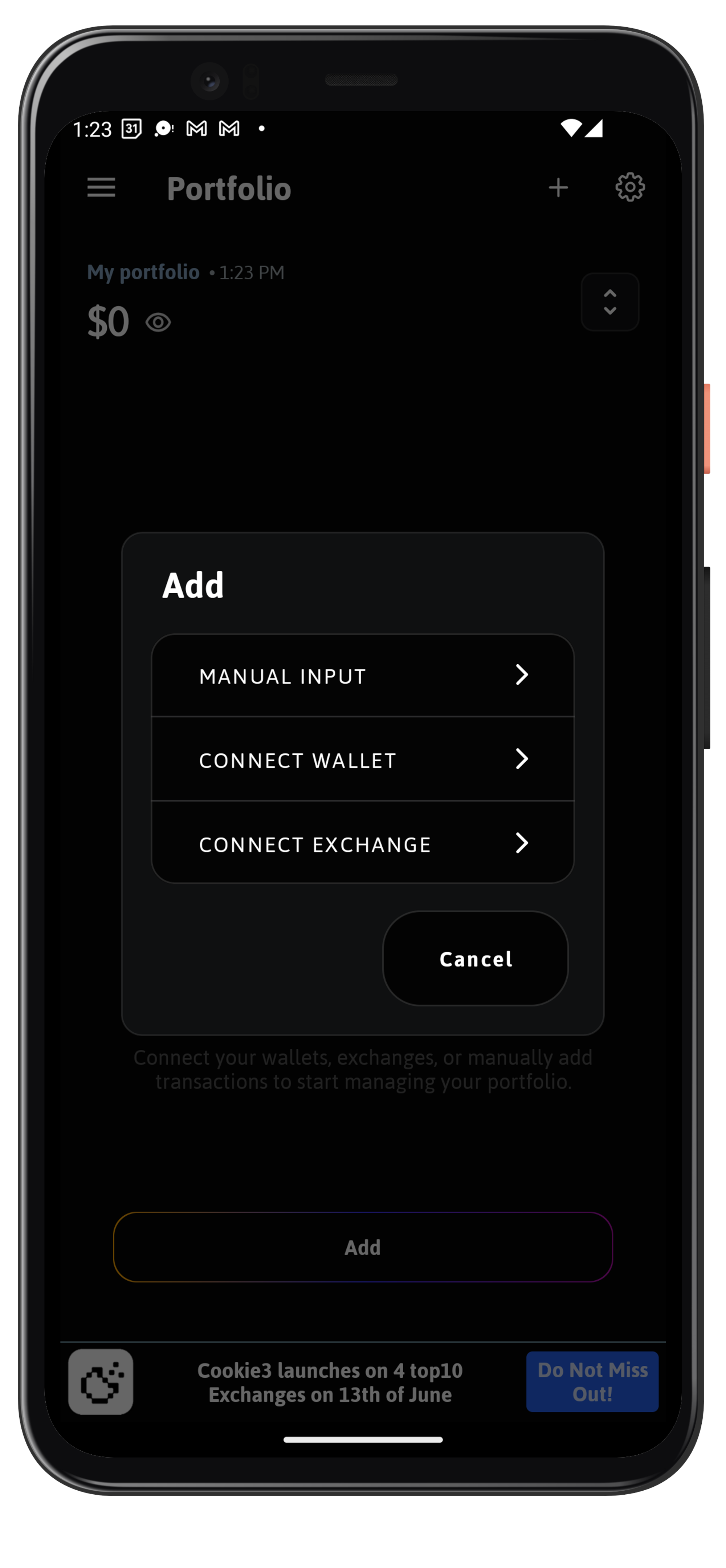
- Paste in your wallet address or scan the QR code and tap OK.
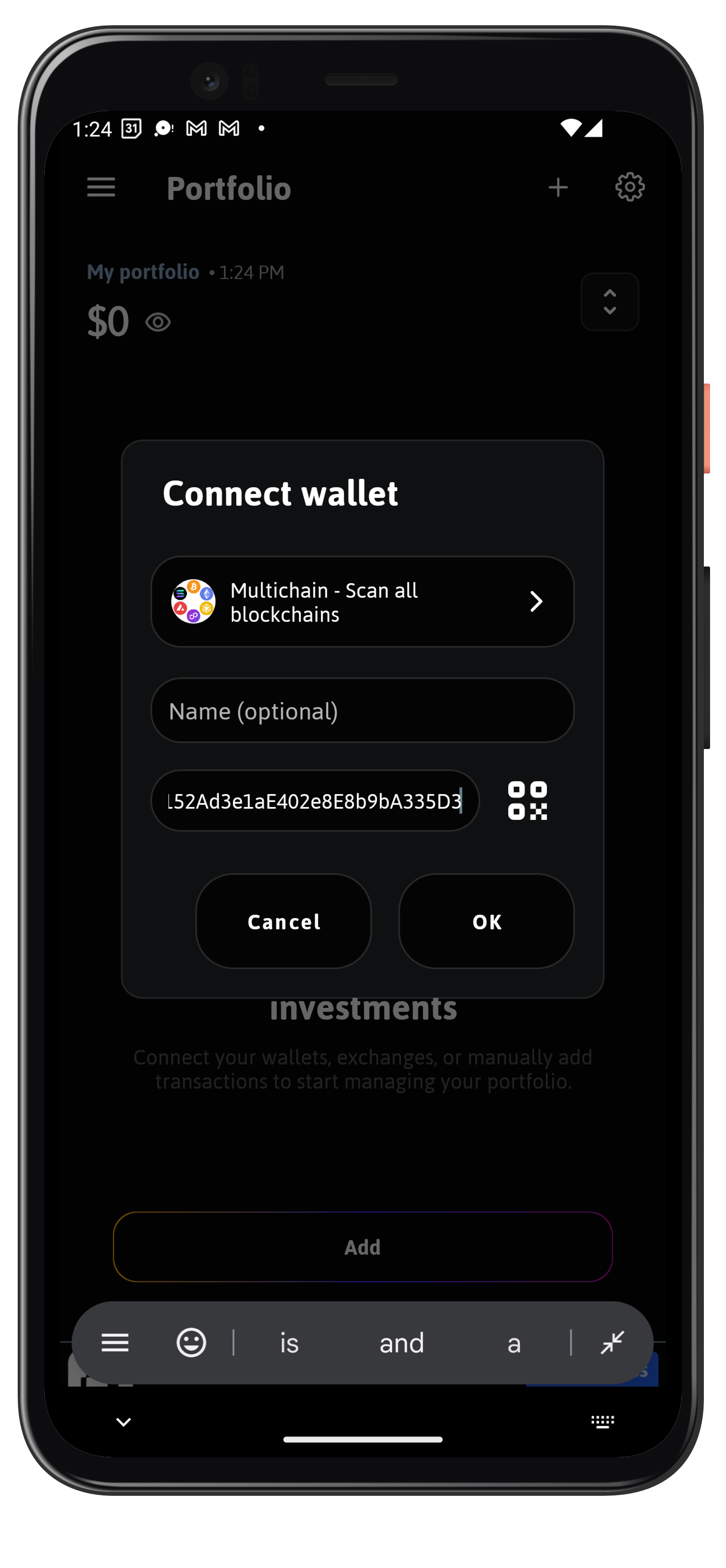
- Done! All your balances will now be displayed and automatically updated with each transaction.

Get Started Today!
Let The Crypto App do the hard work for you and sleep better knowing your portfolio is alway reflects accurate information so you can make the best decisions.
Get started today! Download The Crypto App for free and start tracking all your wallets automatically from one convenient mobile app.